Bad Apple On A Flip Phone
August 2024
Flip Flop
A while back, for no reason in particular, I purchased a Sharp/Docomo SH-01J flip phone, mainly for fun really.
And whilst side-loading apps onto it that it definitely wasn’t designed to run was fun…
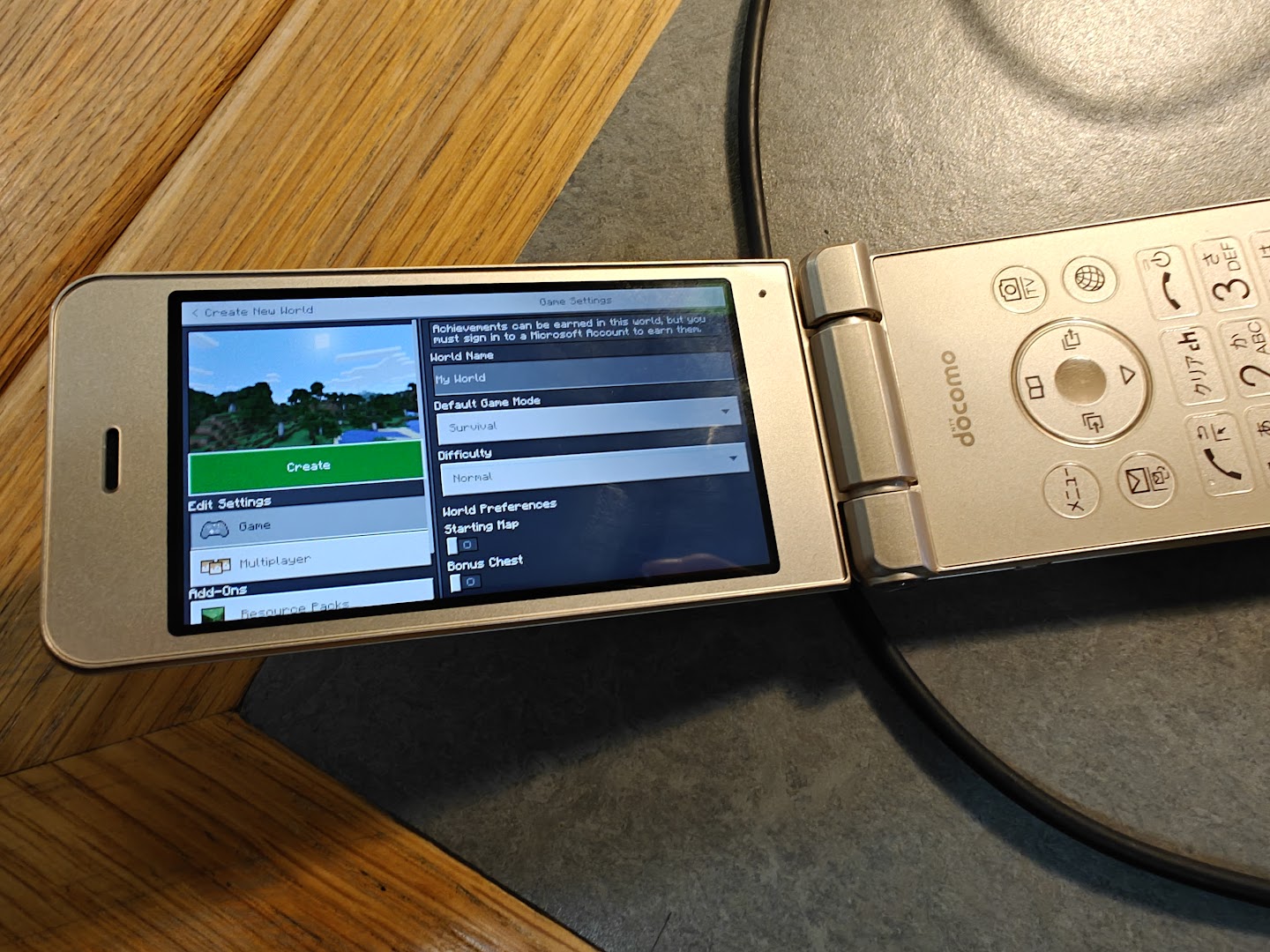
This is why Bedrock is a better client
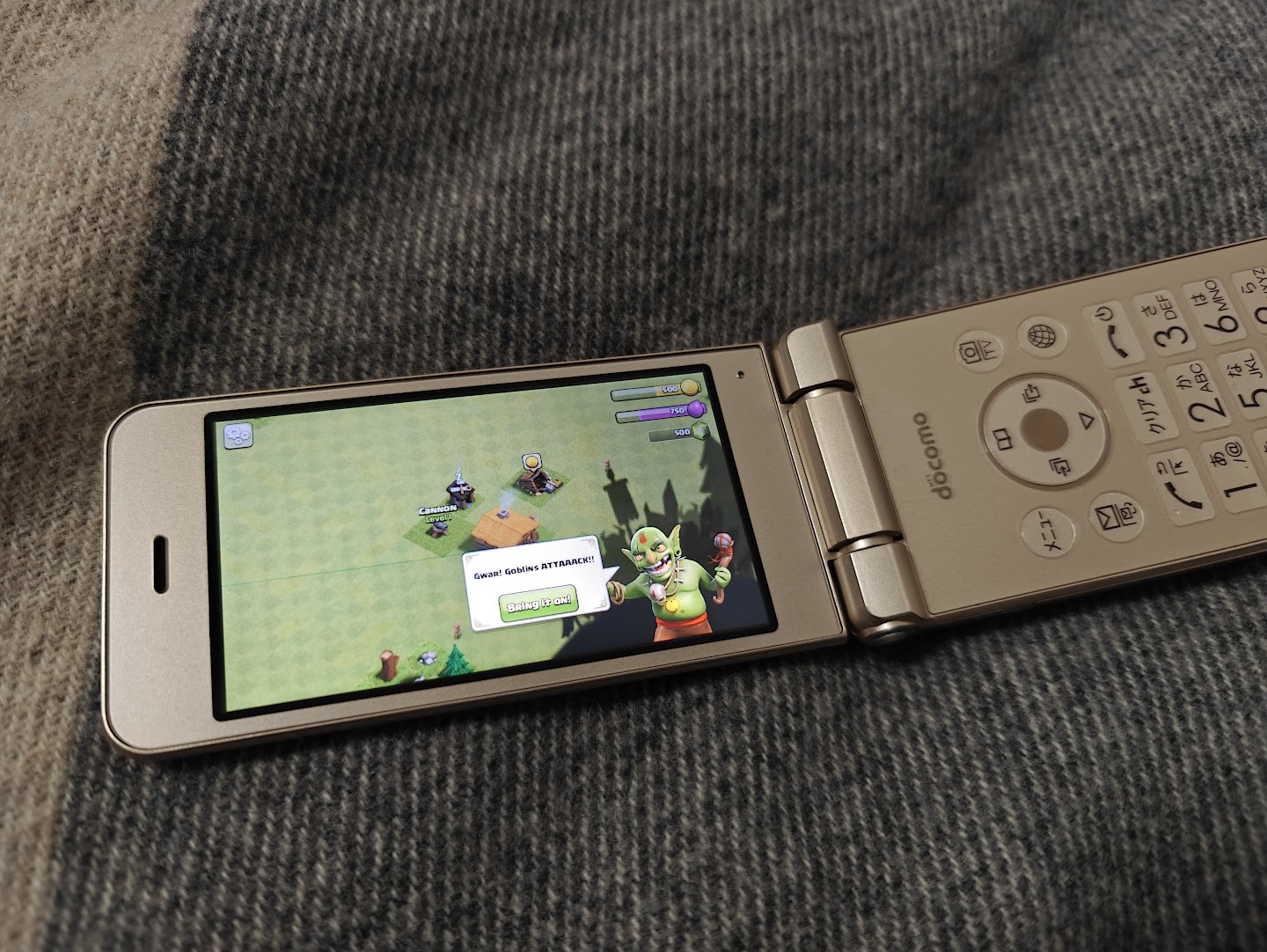
The phone also had some interesting hardware, namely the fact that the keypad could double as a trackpad and a “subdisplay”.
note that the keypad contained actual, physical, tactile buttons and had a texture, it wasn’t just a flat trackpad with a print on it
I was quite intrigued by the LCD on the back of the phone (ok maybe it’s actually OLED but internally it’s called the subdisplay/sublcd):
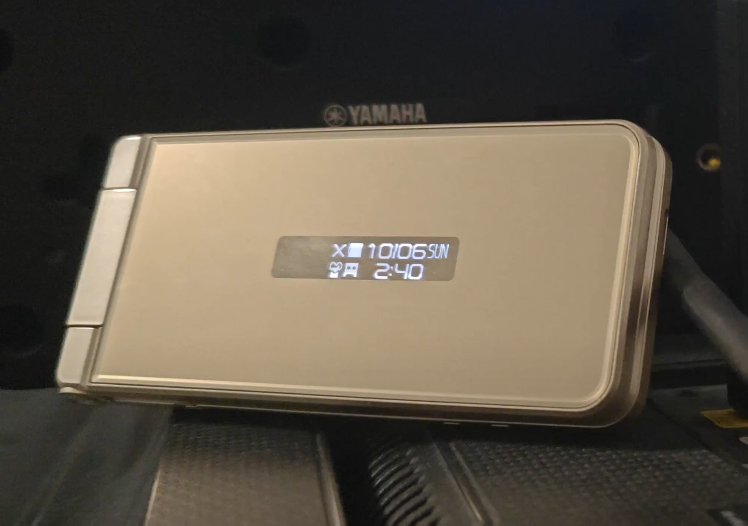
A device with a display? With no Bad Apple? Time to fix that.
Trying to grab the subdisplay code
Since this display could apparently (according to the manual) display text messages, I figured that it must be coupled to Android somehow, as such, I started digging.
Someone mentioned to me that it would probably be ran as a system service, so I used:
adb shell dumpsys activity services
To dump a list of running services, and a quick search for “subdisplay” (as the settings app referred to it) yielded some interesting results:
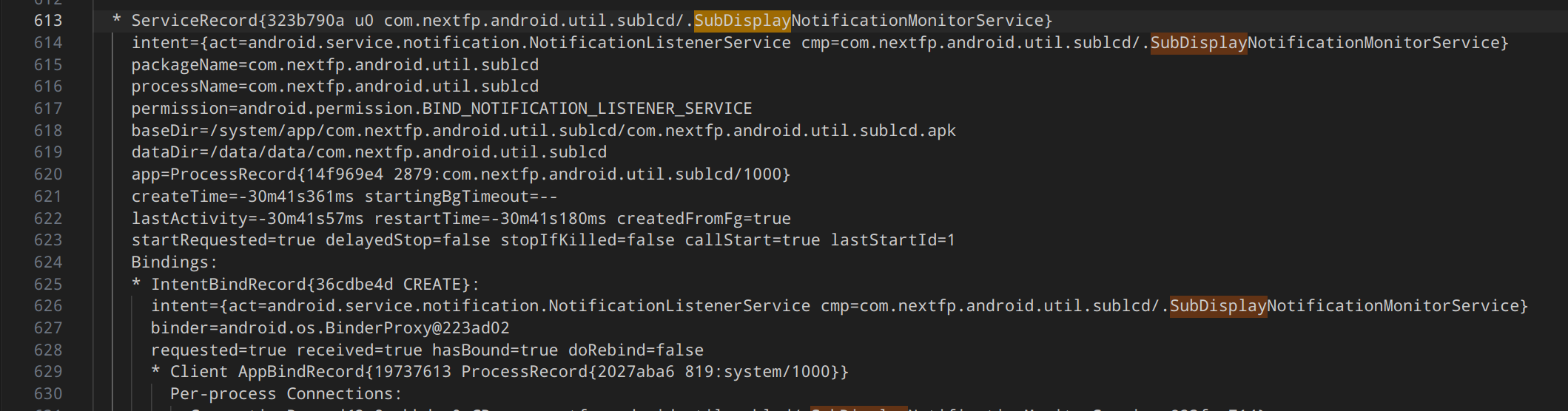
com.nextfp.android.util.sublcd seemed to be the app I was interested in, so I dumped it via ADB and…
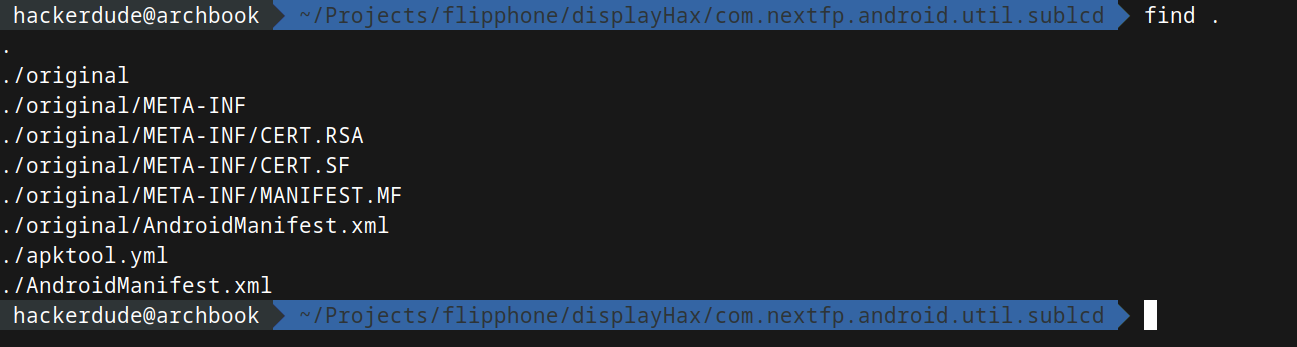
I got scammed!
There was nothing there!

The manifest, however, pointed me towards com.nextfp.android.util.sublcd.framework, which upon extracting had a bunch of PNGs, interestingly some which could not be displayed on my model due to the resolution, so I suspect this “framework” was for other models:
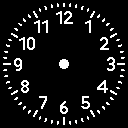
That being said THERE WAS STILL NO CODE!!!
Actually grabbing the subdisplay code
Since the two APKs didn’t seem to have anything, I figured I’d search in /system, I was able to use adb to mostly pull it onto my PC despite not having root, searching this folder yielded some interesting results:
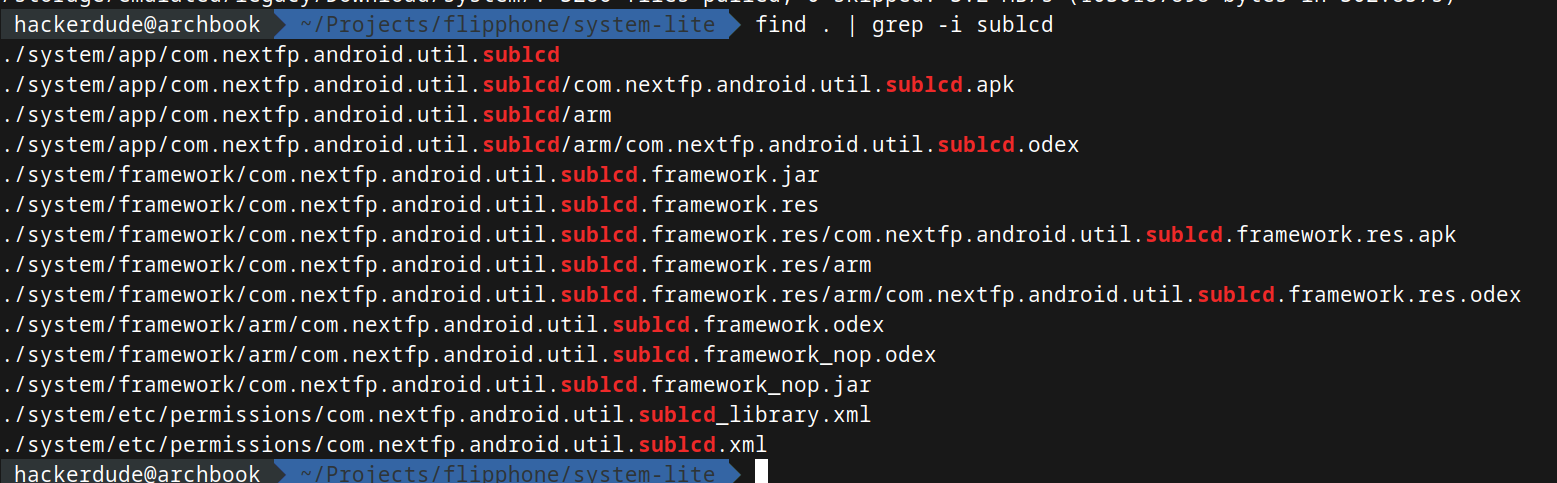
This has to be where the code is!
The two jar files were empty, however after using oat2dex to extract the odex file and dropping it into jadxgui…
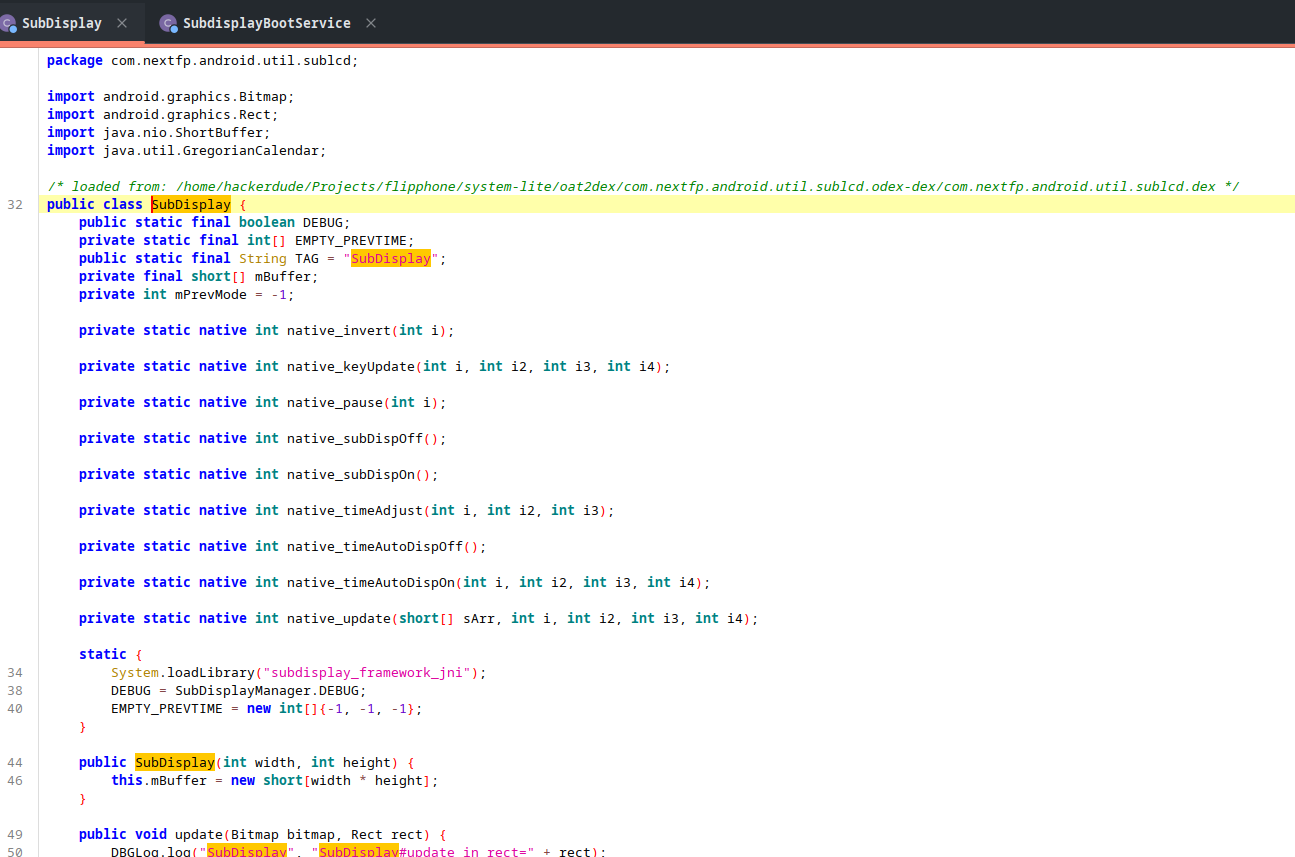
success!
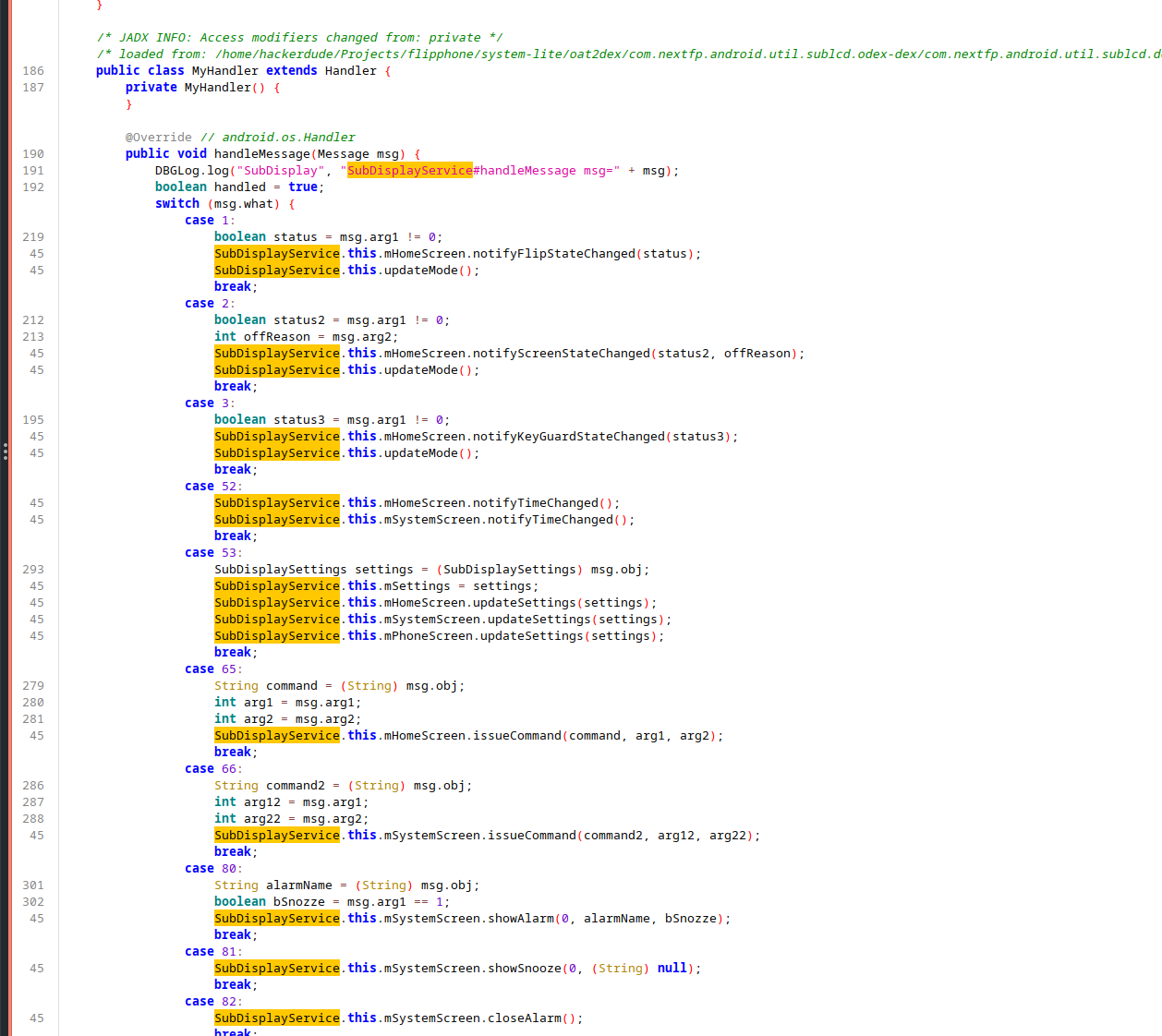
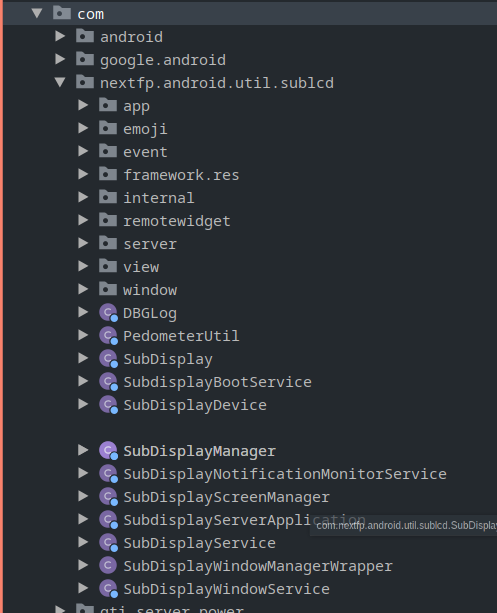
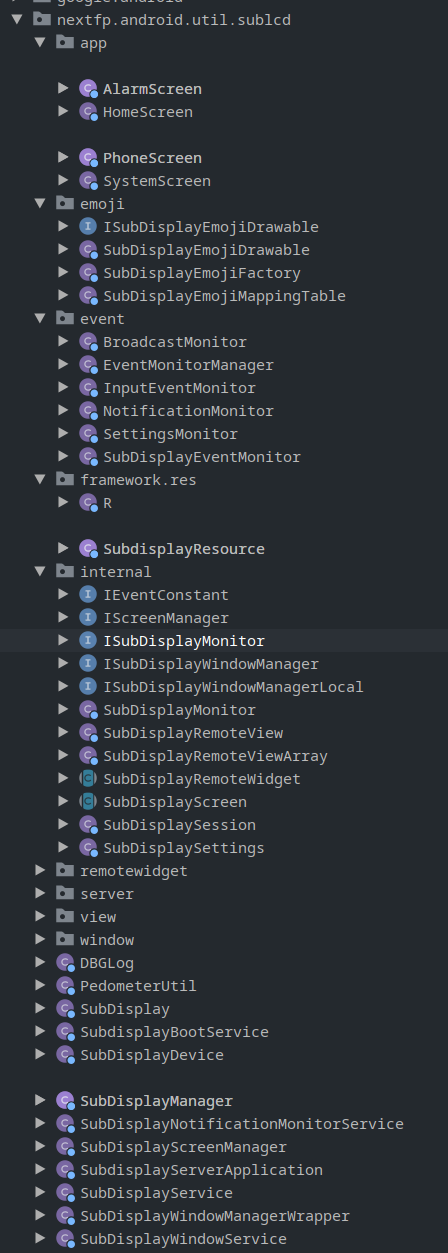
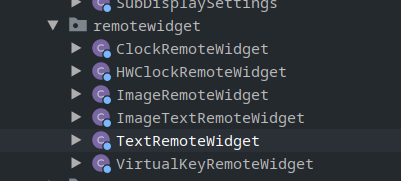
It seemed that the subdisplay stuff was… heavily overengineered, but regardless what I was able to learn is that the subdisplay interface is exposed as a bindable service:

And sending stuff to it did work, to an extent…
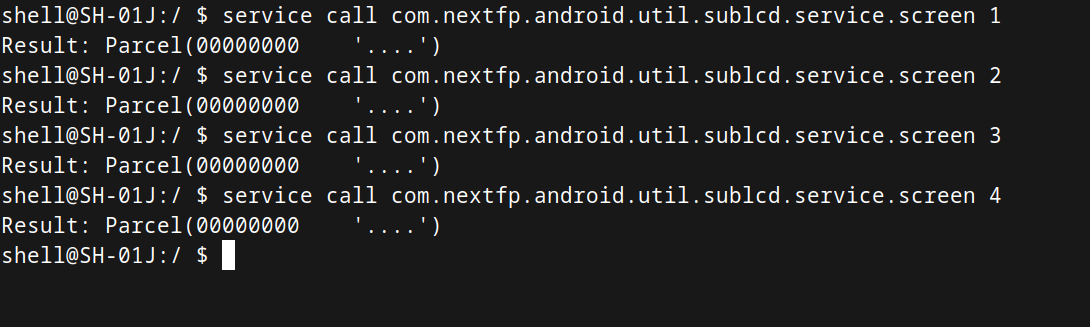
Of course, it needed some complex objects to actually display anything interesting, all I was doing was turning the display on/off.
Luckily, from the decompiled stuff I knew what kind of data it expected:
Getting some text to display
IBinder binder = null;
try
{
    Method method = Class.forName("android.os.ServiceManager").getMethod("getService", String.class);
    binder = (IBinder) method.invoke(null, "com.nextfp.android.util.sublcd.service.window");
}
catch (Exception exception)
{
    throw new SubdisplayException(String.format("Failed to get service: %s", exception.getMessage()), exception);
}
if (binder == null)
{
    throw new SubdisplayException("Failed to get service: binder is null");
}
this.binder = binder;
man I love reflection
Admitedly, I’m not exactly the world’s best Android dev, so wrangling decompiled Java to work in my app so that it has the right types and using reflection to call the service took… a while
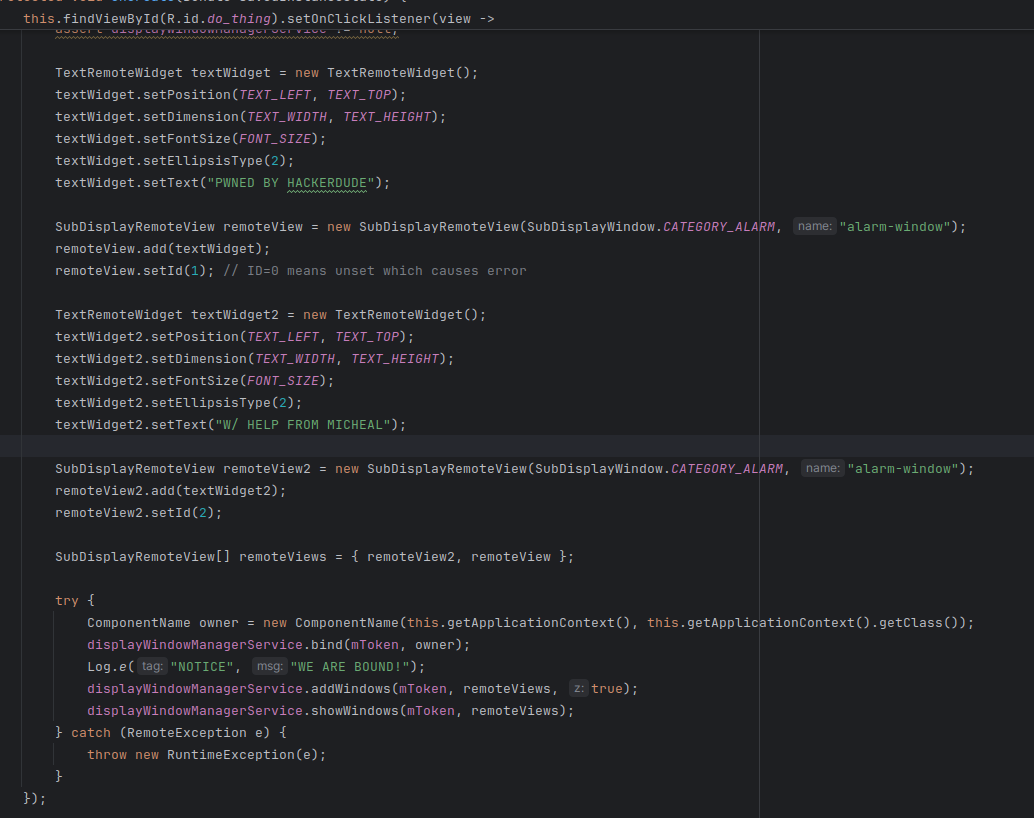
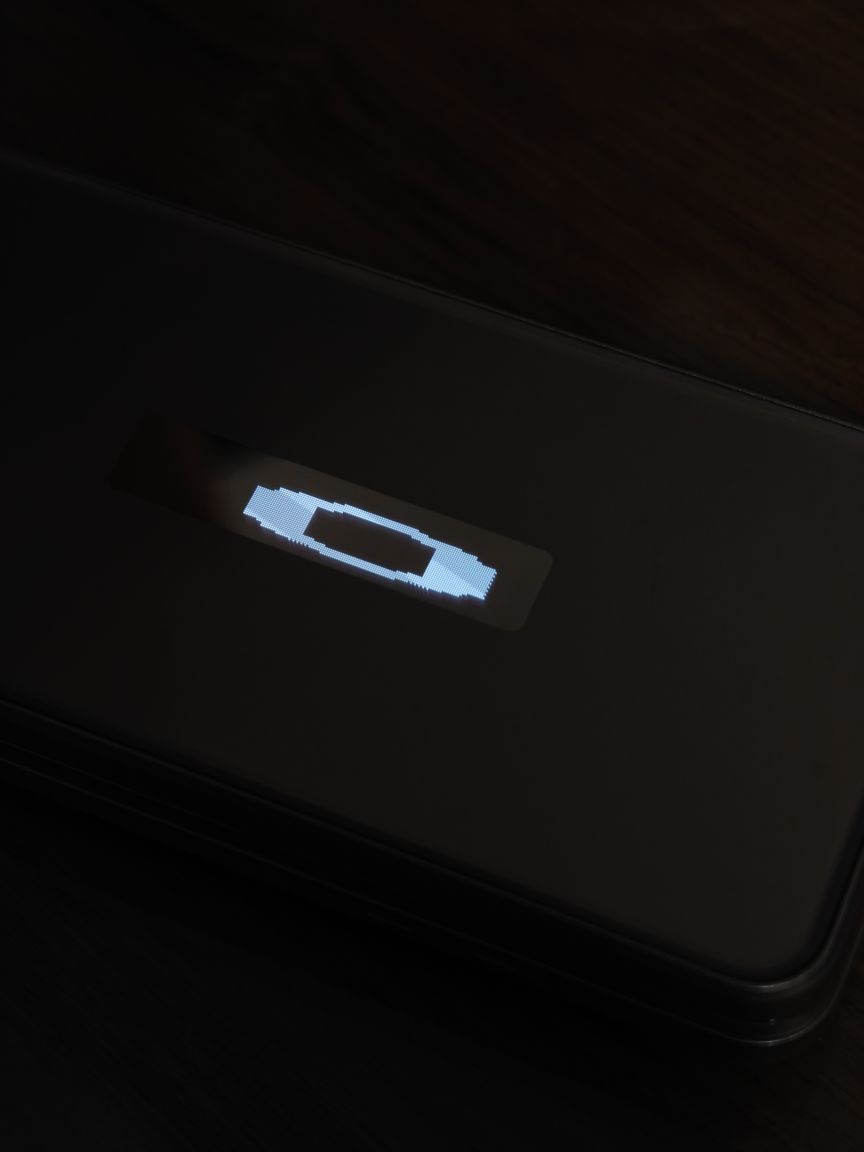
But eventually, it worked:
Interestingly text displayed in this method seems “persistent” to an extent, that is to say:
Normally when closing the phone, you see the time
When this code runs, it displays the text
But, when subsequently closing the phone, it shows the time, then after a brief period, the text
Experimenting With Widgets
If you remember, there is ImageRemoteWidget which in theory can be used for displaying images, unfortunately, in practice it can only display images in the com.nextfp.android.util.sublcd.framework apk mentioned earlier.
As for ImageTextRemoteWidget given a piece of text and an image it seems to just tile the image for the length of the text:
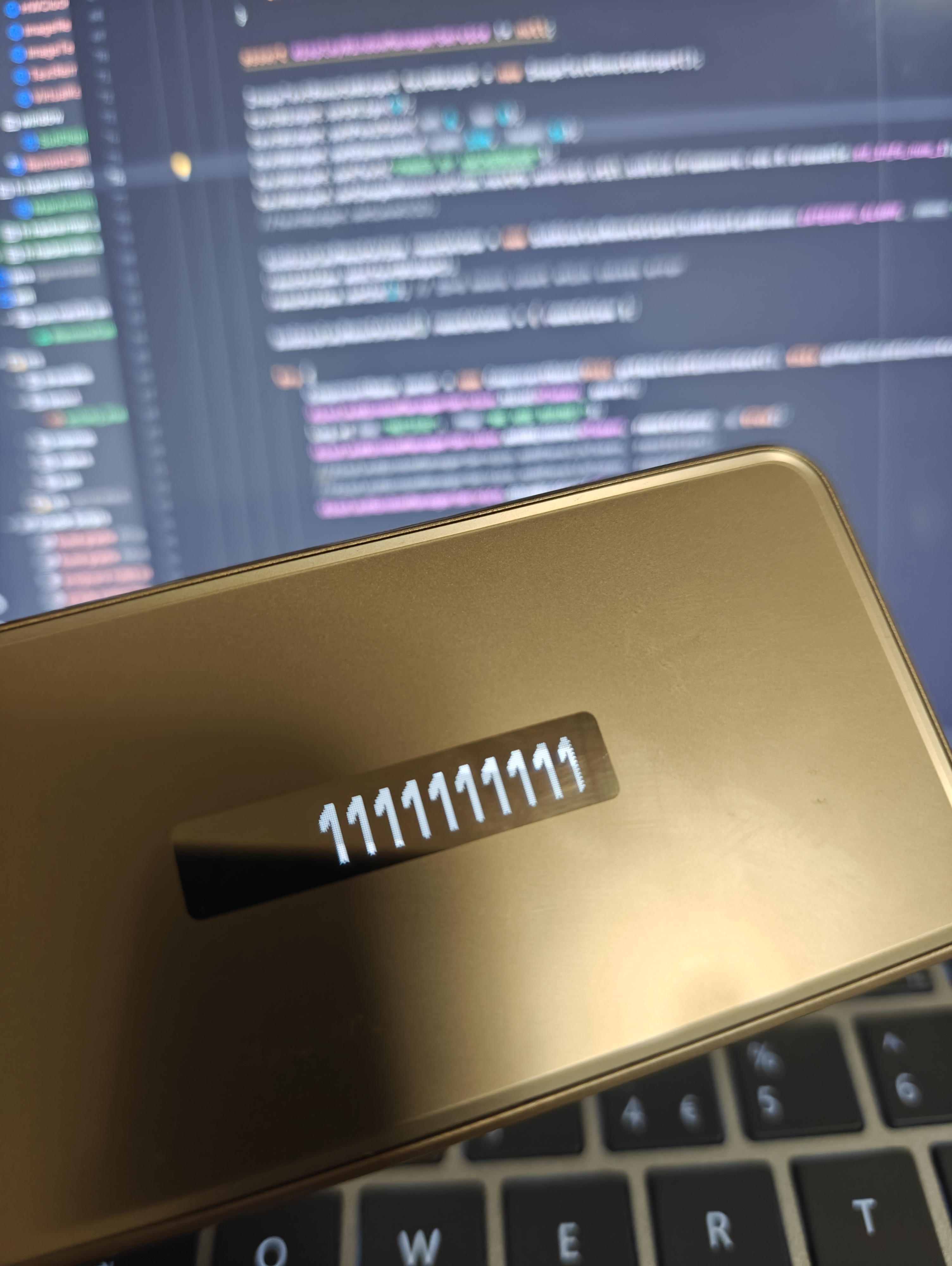
weird, lol
Widgets also can’t overlap, as they have a background it would seem:
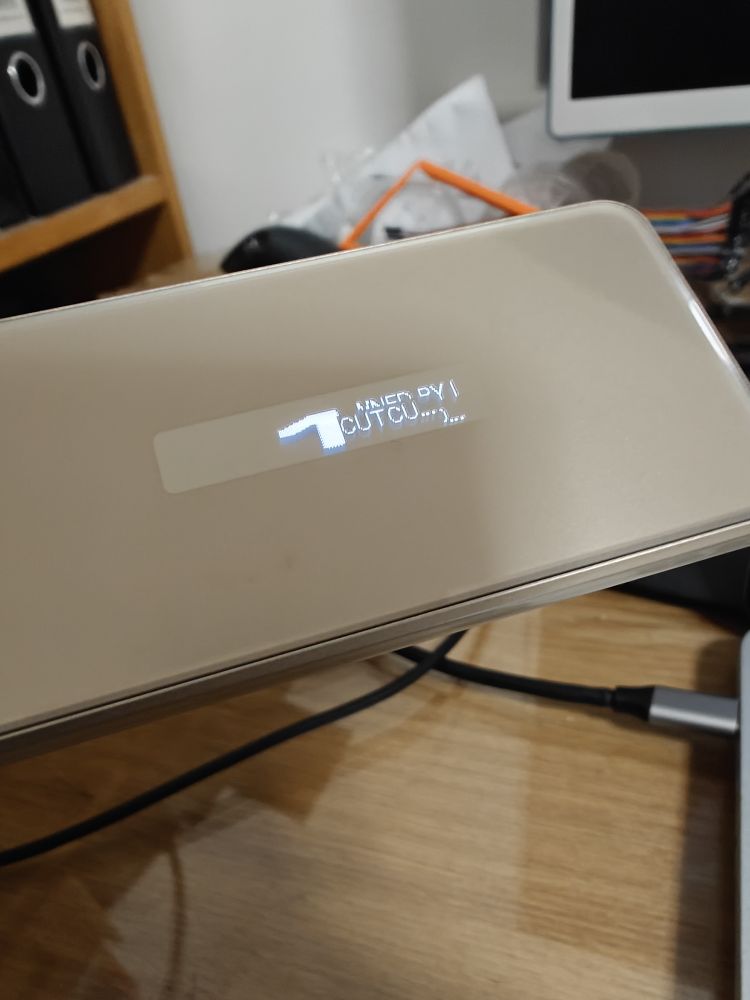
Displaying Arbitrary Images
So how can we go from our available widgets to full-blown images?
with a hack, of course
By using the TextRemoteWidget with a font size of 1px, I was able to get per-pixel control of the display:
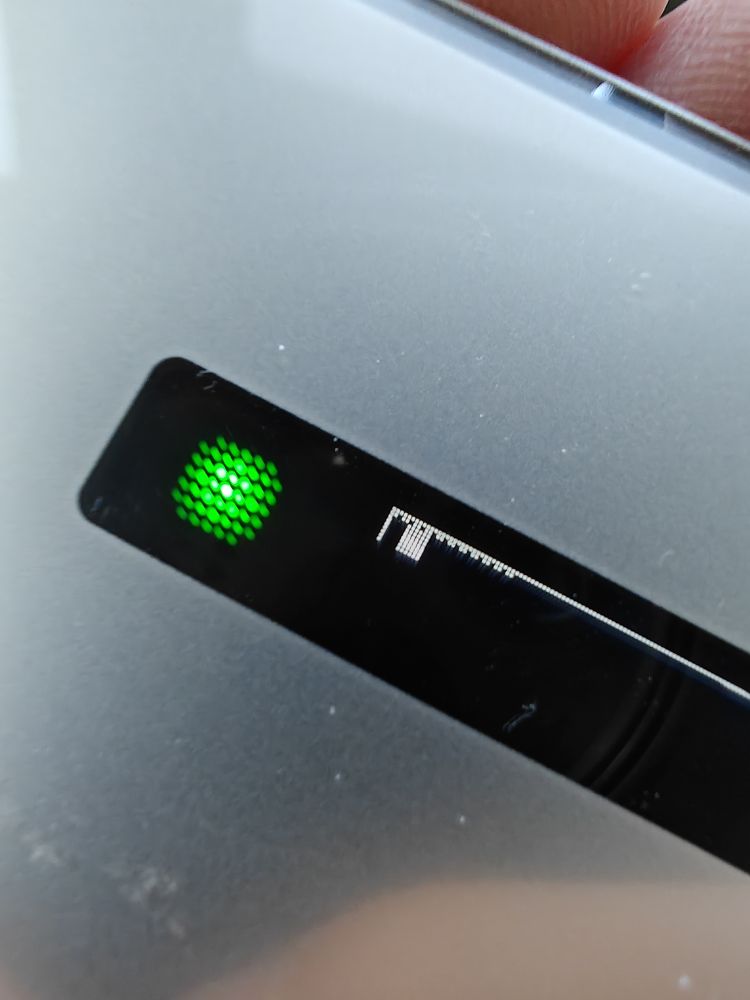
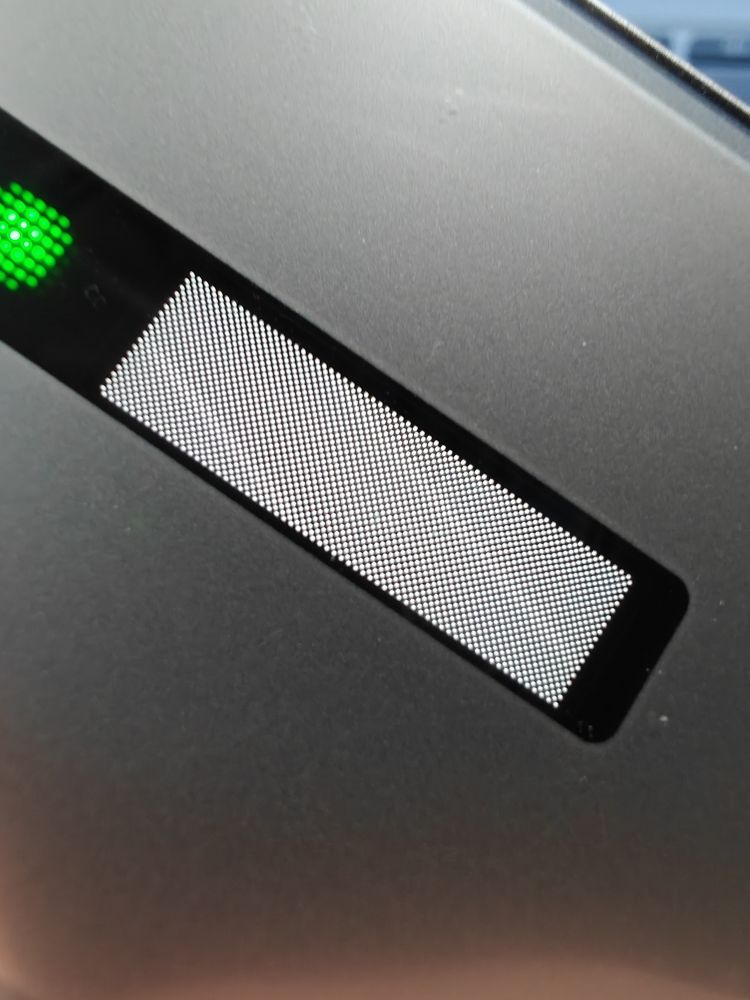
Sure it’s not “ideal” like pure framebuffer access would be, but life rarely is.
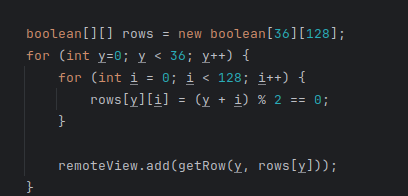
TextRemoteWidget getRow(int top, boolean[] pixels) {
    /*ImageRemoteWidget imageWidget = new ImageRemoteWidget();
    imageWidget.setImage(com.nextfp.android.util.sublcd.framework.res.R.drawable.sd_w15_h16_battery_100);
    imageWidget.setDimension(1, 1);
    imageWidget.setPosition(left, top);*/
    TextRemoteWidget textWidget = new TextRemoteWidget();
    textWidget.setDimension(128, 1);
    textWidget.setFontSize(1);

    textWidget.setPosition(0, top);

    StringBuilder renderText = new StringBuilder();
    for (int i=0; i < 128; i++) {
        if (pixels[i]) {
            renderText.append("█");
        } else {
            renderText.append(" ");
        }
    }

    textWidget.setText(String.valueOf(renderText));
    return textWidget;
}
the code isn’t… too bad?
From there, it was only a matter of converting Bad Apple into frames and converting each one into a series of text widgets based on brightness.
Bad Apple
Since a video is just a series of images, we can load them one after the other and…
ok that’s awful
One or two tests later, however:
It seemed that there was a “sweet spot” to the FPS that you could send data to the screen, around 9FPS, any higher or any lower and the actual visible refresh rate of the display would drop.
After reworking the code to incorporate this change:
All in all, I’m fairly satisfied with the result, especially considered how (relatively) easy it was to do this.
If there’s enough “demand” (ask me on Discord) I may release the (awful) source code for this.